
diados
Extension of the Day

diados

5.0 FREE
  • Screenshot 1

Description

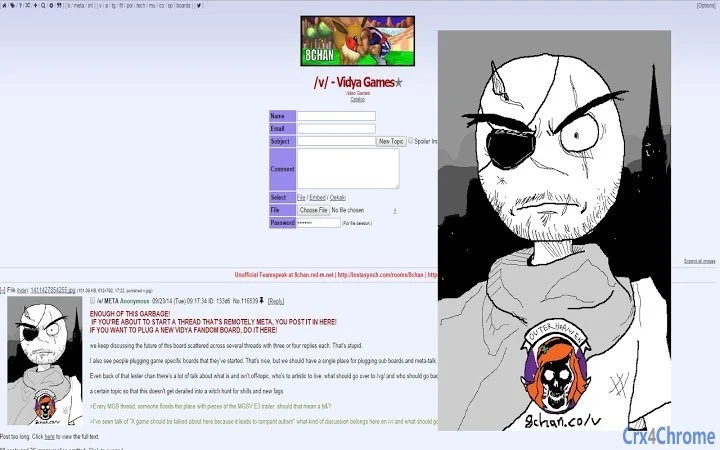
This extension will expand images on 8chan when they're moused over. Works with all picture types, and webms.Images will be displayed at their natural resolution, and if their wider than 960 pixels, the image will be scaled back to a width of 960px accordingly. Same for the height, but it will be scaled back to 810px.Webms will be displayed at 960 X 540, half the resolution of 1920X 1080.===== Version History =====v1.4.0 - 8chan Image Expander released-Expands images and webms on hoverv1.4.5 - Added in pictures moving in right hand side of screen with cursor movementv1.4.7 - Images now appear in the top right hand corner of browser window- Removed cursor tracingIf there are any issues feel free to email me at [email protected]

Guides & Tutorials for 8chan Image Expander Extension for Chrome

How to install 8chan Image Expander Extension for Chrome
  1. Click the Preview / Download button above.
  2. Once redirected, accept the terms and click Install.
  3. Wait for the 8chan Image Expander Extension for Chrome download to finish on your device.
How to use 8chan Image Expander Extension for Chrome

This software is primarily used for its core features described above. Open the app after installation to explore its capabilities.

User Reviews for 8chan Image Expander Extension for Chrome 0

    No reviews found

Similar Apps


